

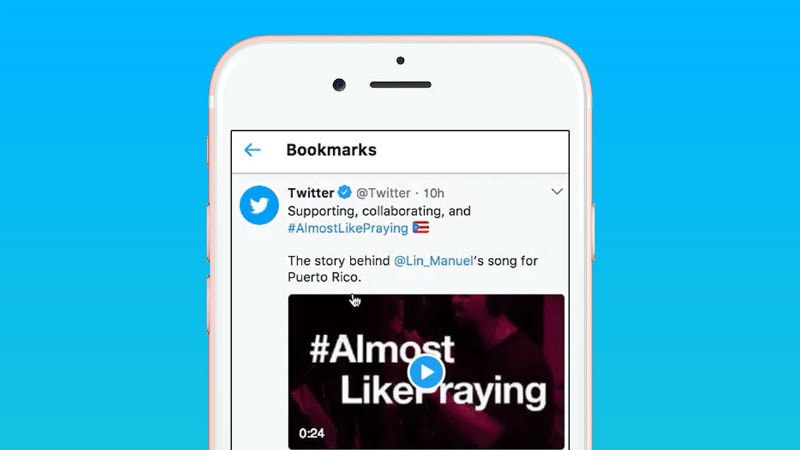
Twitter in October had announced that it is developing a bookmarking feature to save tweets for later. The social media giant appears to be finally testing the new feature on Android smartphones. While the feature was called Save For Later earlier, the name was changed to Bookmarks in the following month. In November, the company said that it had started testing the feature. With the latest update, it is clear that Twitter has stayed with the name and the feature is aimed at helping Twitter users privately flag tweets for personal viewing at their convenience.
A report from 9to5Google has revealed that the Bookmarks feature was spotted in the latest beta (version 7.29) for Twitter’s Android app. We were not able to see the same feature however, despite being on the same version. It thus appears to be a limited test for beta users. The report says, “Tapping the carrot in the top-right corner of every tweet reveals a new “Add Tweet to Bookmarks” option that is now the very first item in that menu. A snack bar pops up at the bottom of the display to confirm the action, with it featuring a shortcut to view the full list of saved tweets.” Meanwhile, the Bookmarks can be accessed in the navigation drawer placed below the Moments tab, the report adds.
To recall, Twitter had announced in October 2017 that it is developing the feature to save tweets. Additionally, Keith Coleman, Head of Product, Twitter, had revealed that a new feature #SaveForLater was in the works. Later, in November, Tina Koyama, a staff product designer at the company, had tweeted “News from the #SaveForLater team! We’ve decided to call our feature ‘Bookmarks’ because that’s a commonly used term for saving content and it fits nicely alongside the names of the other features in the navigation.”
Bookmarks, which essentially keeps a private copy of a tweet for the user instead of liking or retweeting, has been a much-awaited feature. Twitter’s product manager Jesar Shah had said in October last year that the feature was popularly requested by users.
Meanwhile, Twitter has not made any official announcement regarding the feature as of now. It also raises questions such as what will be the time limit until when the tweets will be saved, or whether the private copy will remain with the user even after the original tweet is deleted.
[“source=gadgets.ndtv”]
