

With a new Insider beta build of Windows 10 Mobile that was released on Friday, Microsoft’s recent phones have now caught up to Windows 10 desktop PCs.
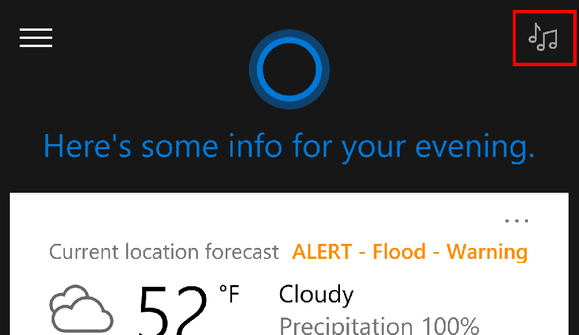
Build 14267 for the Fast ring of the Windows 10 Mobile Insider program is the same buildMicrosoft released to its desktop Insider program on Thursday, and the two share many of the same features. The key addition is a button on Cortana that allows Microsoft’s digital assistant to listen for ambient music and identify it.
The Insider builds aren’t necessary to download if you just want to enjoy Windows 10 on a desktop PC—a stable build has been out for over a year. But unless you own a Lumia550, 950, 950XL, or Xiaomi Mi4 smartphone, you won’t be able to use Windows 10 Mobileat all. The Insider builds go Windows 10 Mobile one further, allowing people who own those four phones to try out new beta features before they’re released to the stockWindows 10 Mobile community.
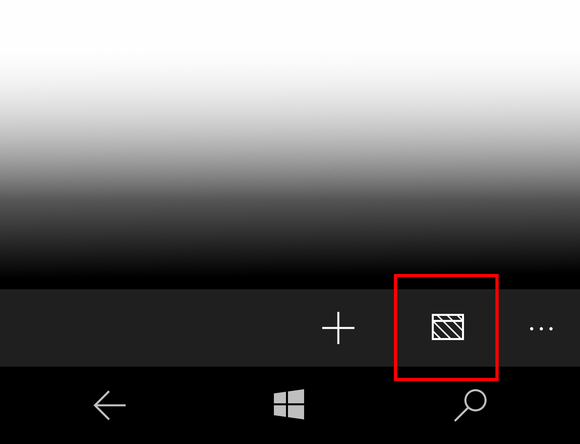
Microsoft’s Edge browser has also been bolstered by a few new improvements. Microsoft’s Word Flow keyboard now works within the Edge browser, and it’s easier to launch a new InPrivate browsing session with a dedicated icon that appears next to a new tab. Downloads are also called out, so you’re not downloading a massive file without your knowledge.
 MICROSOFT
Finally, you can now attach files to Skype messages via the paperclip icon, just as you’d attach a file to an email.
The one bug that you’ll have to endure with the new Insider build is a lack of visual voicemail. If you install the new build, you’ll simply have to dial up your voicemail, like in the old days.
Why this matters: The numbers suggest that Microsoft’s new build will have a small audience. Microsoft’s Windows phone platform captured just 4.3 million phones, or 1.1 percent of all smartphones sold worldwide during the fourth quarter, according to Gartner. According to the latest figures from ad analyst firm AdDuplex, only 5.3 percent of thoseWindows phones run Windows 10 Mobile, or about 227,000—and those all launched in the fourth quarter or later. A smaller number of those likely participate in the Insider program. And since there are now three “rings” of the Insider program—Fast, Slow, and Release Preview—those who are eligible for this new Fast build will literally number in the thousands or tens of thousands.
[“source -cncb”]
