

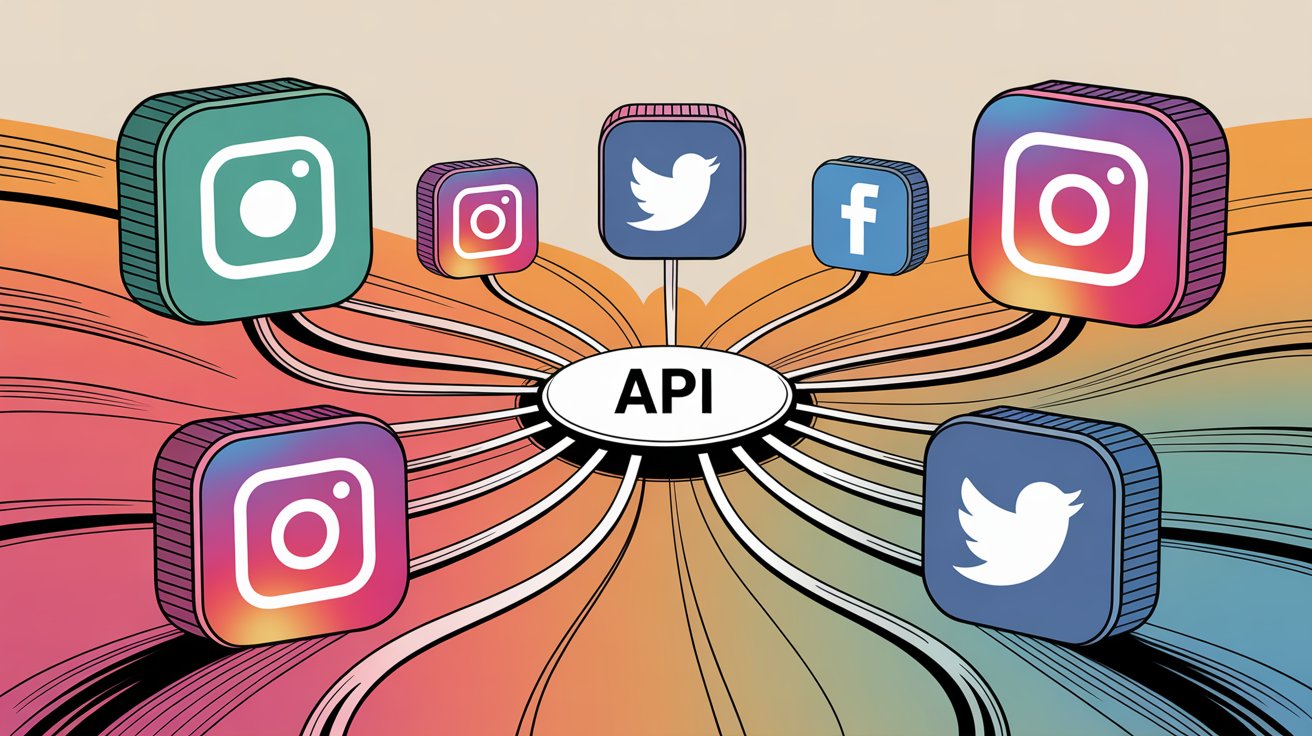
If you’ve ever tried building social media integrations from the ground up, you already know how messy it can get. Every platform has its own rules—different authentication systems, rate limits, documentation styles, and error responses. Just publishing a single post across multiple networks can turn into a complex engineering task.
That’s where unified social media APIs come in. Instead of juggling multiple integrations, they provide a single endpoint, one authentication method, and a consistent format for responses—making cross-platform publishing far simpler.
To help you choose the right tool, here’s a breakdown of nine popular options, evaluated on usability, pricing, performance, and developer experience.
What We Looked At
Each API was reviewed based on key factors:
- Platform coverage – How many social networks it supports
- Authentication – Ease of setup (API keys vs OAuth complexity)
- Rate limits – Request capacity and scalability
- Pricing – Transparent vs usage-based costs
- Developer experience – SDKs, docs, and ease of use
- Documentation quality – Clarity, examples, and support
1. PostEverywhere
Best for: Developers who want simplicity with built-in AI
PostEverywhere offers a clean REST API that covers publishing, scheduling, media uploads, and even AI-powered content creation—all in one place.
- Platforms: 7 major networks including Instagram, LinkedIn, TikTok, and more
- Pricing: Starts at $19/month with API access included
- Auth: Simple bearer token (no OAuth hassle)
- Highlights: Built-in AI for captions and images, easy integration
Pros:
- No extra API fees
- AI tools included
- Simple authentication
Cons:
- Fewer platforms than some competitors
- Smaller ecosystem
2. Ayrshare
Best for: Maximum platform coverage
Ayrshare is a developer-first API supporting over a dozen platforms, making it ideal for apps that need wide reach.
- Platforms: 13+ including Reddit, Telegram, and Snapchat
- Pricing: Free tier available, paid plans start at $99/month
- Auth: API key
Pros:
- Widest platform support
- Strong documentation and tooling
Cons:
- Free plan is very limited
- Costs can rise quickly
3. Buffer
Best for: Teams already using Buffer
Buffer offers a GraphQL-based API, giving developers more flexibility—but also adding complexity.
- Platforms: 11 major networks
- Pricing: From $6/month per channel
- Auth: OAuth 2.0
Pros:
- Flexible data queries
- Affordable entry point
Cons:
- GraphQL learning curve
- OAuth setup required
4. Hootsuite
Best for: Enterprise-level integrations
Hootsuite provides powerful APIs for publishing and user management, but it’s designed for large organizations.
- Pricing: Enterprise-only (custom pricing)
- Auth: OAuth with enterprise SSO
Pros:
- Advanced workflows and analytics
- Enterprise-grade infrastructure
Cons:
- No self-serve access
- Expensive and complex setup
5. Sprout Social
Best for: Agencies focused on analytics
Sprout Social combines publishing with detailed reporting, but API access is locked behind premium plans.
- Pricing: Starts at $249/month per seat
- Auth: OAuth
Pros:
- Strong reporting capabilities
- Well-structured API
Cons:
- High cost
- Overkill for simple use cases
6. Sociality.io
Best for: Teams needing analytics + listening
Sociality.io goes beyond publishing, offering analytics, competitor tracking, and social listening.
- Pricing: From $99/month
- Auth: API key
Pros:
- All-in-one functionality
- Real-time webhook support
Cons:
- Not ideal for SaaS products
- Smaller dev community
7. Publer
Best for: Budget-friendly basic integrations
Publer provides a simple API for publishing and scheduling at a low cost.
- Pricing: From $21/month
- Auth: API key
Pros:
- Affordable
- Easy to use
Cons:
- Limited documentation
- Not API-first
8. Native Platform APIs
Best for: Full control over 1–2 platforms
Using native APIs (like those from Meta, Google, or LinkedIn) gives you complete access to platform-specific features.
Pros:
- Full feature control
- No third-party dependency
Cons:
- Multiple auth systems
- High maintenance effort
- Time-consuming integrations
This approach works best when you’re targeting only a couple of platforms.
9. No-Code Tools (Zapier / Make)
Best for: Non-developers and quick prototypes
Zapier and Make let you connect apps and automate workflows without writing code.
- Pricing: Starts around $10–$30/month
Pros:
- No coding required
- Fast setup
Cons:
- Expensive at scale
- Limited customization
- Not ideal for production apps
Unified APIs vs Native APIs: What Should You Choose?
Go with a unified API if:
- You’re posting to 3+ platforms
- You want faster development (days instead of weeks)
- You need consistent responses and error handling
- You prefer offloading maintenance and updates
Choose native APIs if:
- You only target 1–2 platforms
- You need platform-specific features
- You have resources to maintain integrations
- You want full control without dependencies
Final Takeaway
Building separate integrations for each platform quickly becomes overwhelming. Each one comes with its own quirks, authentication flows, and ongoing maintenance challenges.
Unified APIs simplify all of that. What might take weeks with native integrations can often be done in a single day.
For most developers and teams, the time saved—and reduced complexity—makes unified APIs a worthwhile investment almost immediately.
